


Hello, fearless urban explorers and digital cartographers!
Have you ever wasted precious travel time squinting at a tiny map, accidentally walking three blocks in the wrong direction, or watching your data plan evaporate trying to load directions in a foreign city? I have, and I hated every second of it!
I realized that the world’s best travel tool – Google Maps – was sitting right there in my pocket, but I wasn’t using its true potential. It’s more than just a navigation app; it’s a powerful travel planner, a time-saver, and a budget defender!
Through years of relying on this indispensable app, I’ve unlocked a secret arsenal of Google Maps hacks that transform you from a confused tourist into a confident, ultra-efficient navigator.
This is your ultimate, experience-driven guide to using Google Maps like the master traveller you were always meant to be. Get ready to stop stressing about getting lost and start focusing on the adventure!
The Golden Rule: Preparation Defeats Panic (and Data Overages)
The biggest anxiety trigger for travellers is losing signal or running out of data when they need directions most. The Master Navigator eliminates this risk before leaving the Wi-Fi zone.
Technique Spotlight: The Offline Maps Masterpiece
- What it is: Downloading the map data for your entire destination city or region directly onto your phone’s memory.
- The Benefit: ZERO DATA USAGE. You can search, get driving or walking directions, and see your exact blue dot location in real-time—all without an internet connection! This is crucial for navigating subways, remote areas, or when you land and haven’t bought a local SIM card yet.
- How to Do It: Open Maps, search for your city, tap on the city name, and select “Download.” Zoom out to ensure the entire area you’ll be visiting is covered by the highlighted box, then hit “Download.”
- Recommended for: All international travellers, remote explorers, and budget travellers obsessed with saving data.

1. Planning Perfection: Customizing Your Digital Itinerary
Maps isn’t just for getting from A to B; it’s the ultimate itinerary planning tool.
- Pin Your Life (The Digital Whiteboard): Use the “Saved” feature to create custom lists.
- Technique: Create lists like “Must-See Sights,” “Targeted Restaurants,” and “Hotel/Airports.” Tap a location and hit “Save,” selecting the appropriate list.
- Benefit: When you open your map, you see every important location clearly marked with a different icon, allowing you to instantly visualize your daily route and group nearby spots together, saving walking time!
- Public Transport Prowess: Always check the “Transit” option when routing directions. This shows you the most efficient bus, metro, or train routes, complete with departure times and fare estimates (in many major cities). Benefit: It’s often significantly faster and cheaper than driving or relying on expensive ride-shares.
- The Time Travel Feature: When searching for driving or transit directions, tap the “Depart at” or “Arrive by” button to adjust the time. Benefit: This is crucial for anticipating traffic! You can see how long a route will take during the peak 8 AM rush hour versus the quiet 10 AM window, allowing you to plan your morning activities strategically.
2. Real-Time Resourcefulness: On-the-Go Discovery
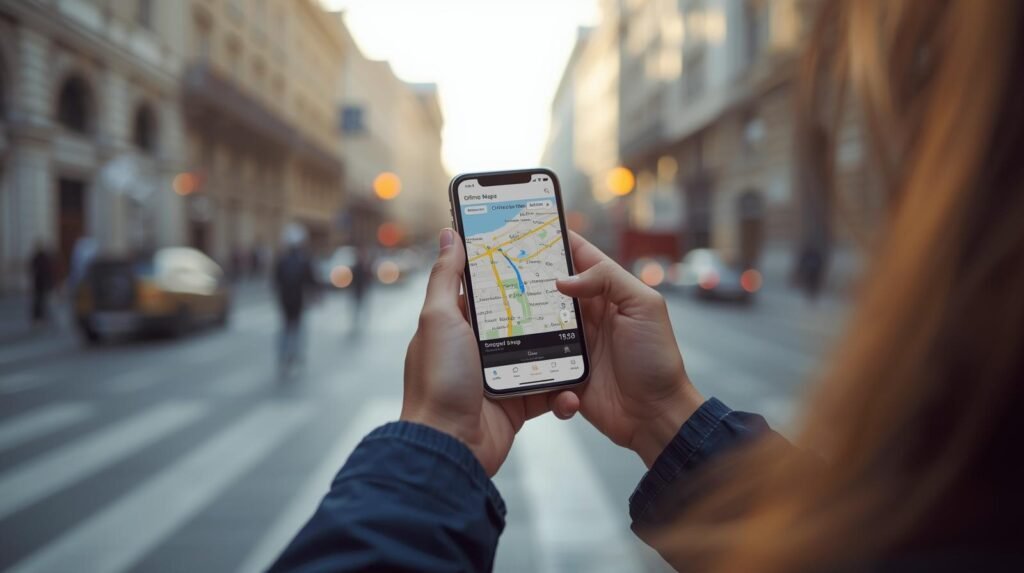
You’ve landed, you’re walking, and you suddenly need something specific. Maps is your instant local expert.
- The “Explore Nearby” Filter: Don’t search generic terms! Tap the powerful filter buttons just below the search bar (e.g., “Restaurants,” “Coffee,” “ATMs,” “Gas”).
- Technique: After selecting a filter, you can refine it further (e.g., filter “Restaurants” by “Top Rated” or “Open Now”). This is how you instantly locate a highly-rated, local coffee spot instead of the first generic chain you see.
- Live View (The Augmented Reality Savior): When you are walking and completely directionally challenged, use the “Live View” feature (available in many major cities).
- Benefit: It uses your camera to show you the directions overlaid onto the real world with giant arrows. No more turning your phone in circles trying to figure out North!
- Street View Before You Go: Before walking to a new hotel or rendezvous point, drop the little yellow Pegman onto the map to activate Street View. Benefit: You can get a visual confirmation of the building, door, or neighborhood you are looking for, making your arrival much smoother and reducing potential confusion (and looking less like a lost tourist!).

By incorporating these powerful hacks into your routine, you are no longer relying on your phone; you are expertly wielding the world’s best navigation tool. Enjoy the confidence that comes with always knowing where you are and where you’re going!
For more insider travel tips, advice on saving money, and seamless travel planning tools, be sure to visit our ultimate resource hub at LastMinGo.com!
Don’t forget to include the link if you share this post!