

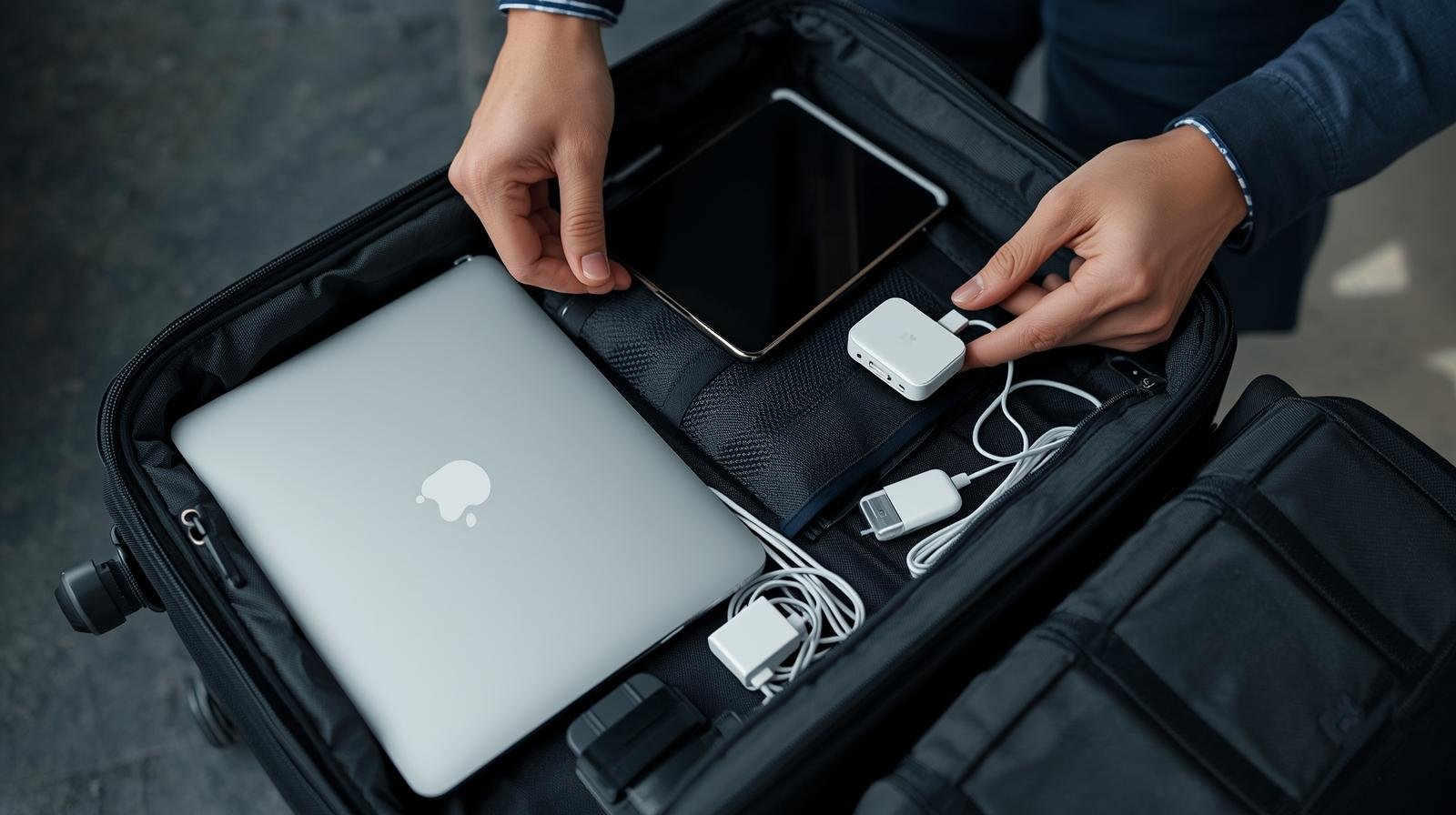
If you’re anything like me, your gadgets aren’t just toys; they are your map, your bank, your translator, your entertainment system, and your connection to the world! Leaving them behind is simply unthinkable. But let’s be honest: packing fragile, expensive tech can feel like a high-stakes game of Tetris mixed with a paranoid security drill.
I’ve learned the hard way – through cracked screens and dead batteries at the worst possible moments – that the right gear, and the right packing strategy, make all the difference. Get ready to transform your travel experience from a logistical nightmare into a seamless digital adventure!
This is the ultimate, experience-driven guide to curating your digital arsenal and packing it like a pro. Let’s make sure your tech arrives safe, charged, and ready to capture every glorious moment!
The Golden Rule: Carry-On is Non-Negotiable
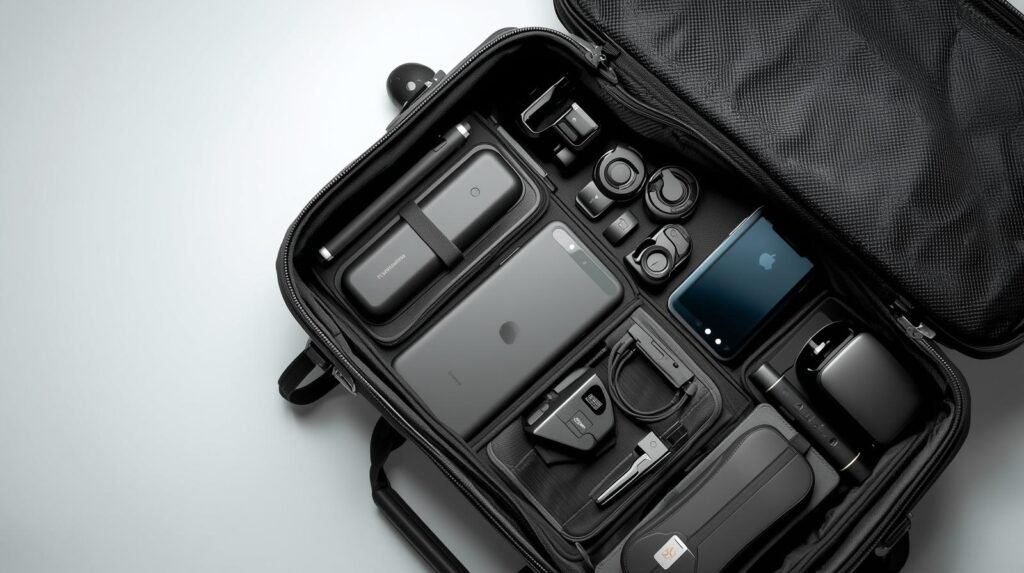
Let’s start with the most crucial advice: Never, ever check your valuable electronics. Your laptop, tablet, camera, and all lithium-ion batteries must travel with you in your carry-on luggage. Luggage handlers are not known for their gentle touch, and the thought of losing your photos and files is simply too horrifying to contemplate.
1. The Power Triumvirate: Energy & Connectivity
These are the non-negotiables that keep your entire digital life running. They are small, yet mighty!
| Gadget Essential | Why It’s a Must-Have | Pro Packing Tip |
| Universal Adapter/Converter | One adapter with sliding pins for multiple countries. Essential for charging everywhere! | Choose one with integrated USB ports (USB-A and USB-C) to reduce the number of separate chargers you need. |
| Multi-Port USB-C Wall Charger | The single point of power! A fast-charging block with 2-4 ports (USB-C is superior) charges your phone, tablet, and headphones simultaneously. | Wrap a small Velcro cable tie around it and keep it at the top of your bag for quick airport access. |
| High-Capacity Power Bank | Your lifeline! Guarantees you never run out of juice while relying on maps or translating crucial phrases. | Make sure it’s rated below 100 watt-hours (Wh) to comply with most airline safety rules, and keep it in your carry-on! |
Technique Spotlight: The “One-Cable” System
- What it is: Wherever possible, standardize your devices to use the same cable type (ideally USB-C).
- The Benefit: Eliminates cable clutter, reduces weight, and minimizes panic when a single cable gets lost or damaged. I went from a jungle of five cables to a sleek set of two, and it changed my life!
- Recommended for: Minimalist packers and anyone whose cables perpetually tangle themselves into a Gordian knot.
2. The Workhorse Gear: Productivity & Media
You want powerful performance without the back strain. Every item must justify its weight!
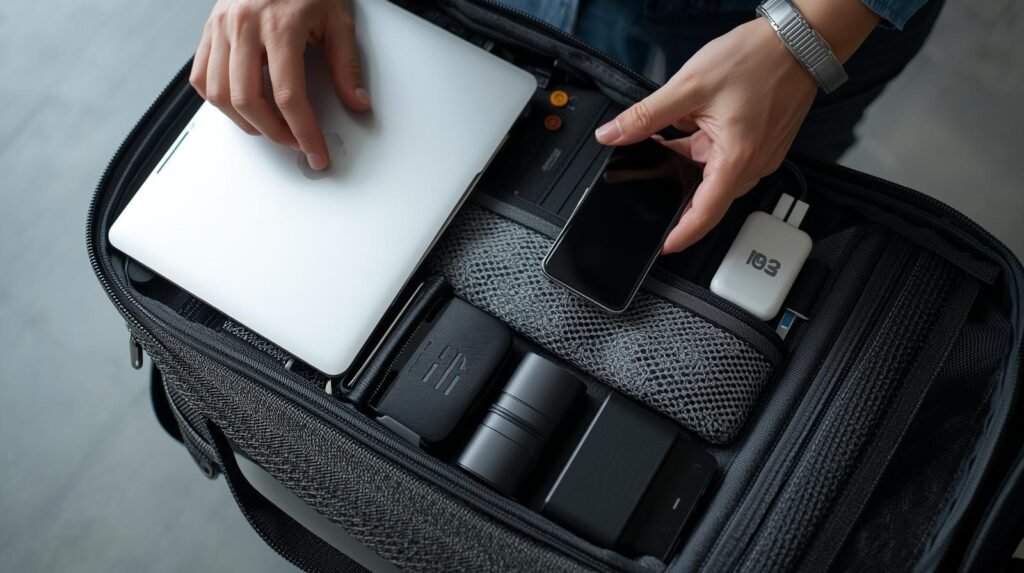
- The Lightweight Laptop/Tablet: Unless you are a video editor, ditch the bulky gaming laptop. Opt for a slim, powerful tablet (like an iPad Pro or Microsoft Surface) or a lightweight ultrabook. These are perfect for quick file edits, communication, and media consumption.
- Safety Hack: Always use a shock-absorbing sleeve inside your backpack or carry-on. The dedicated laptop sleeve in your bag often offers only minimal protection.
- Noise-Cancelling Headphones: A literal sanity saver! Essential for blocking out screaming babies, loud neighbours, and engine drone. They turn any cramped seat into a private viewing booth.
- Pro Tip: Look for a pair that can also be used wired (for airplane entertainment systems) and comes with a durable, hard-shell carrying case.
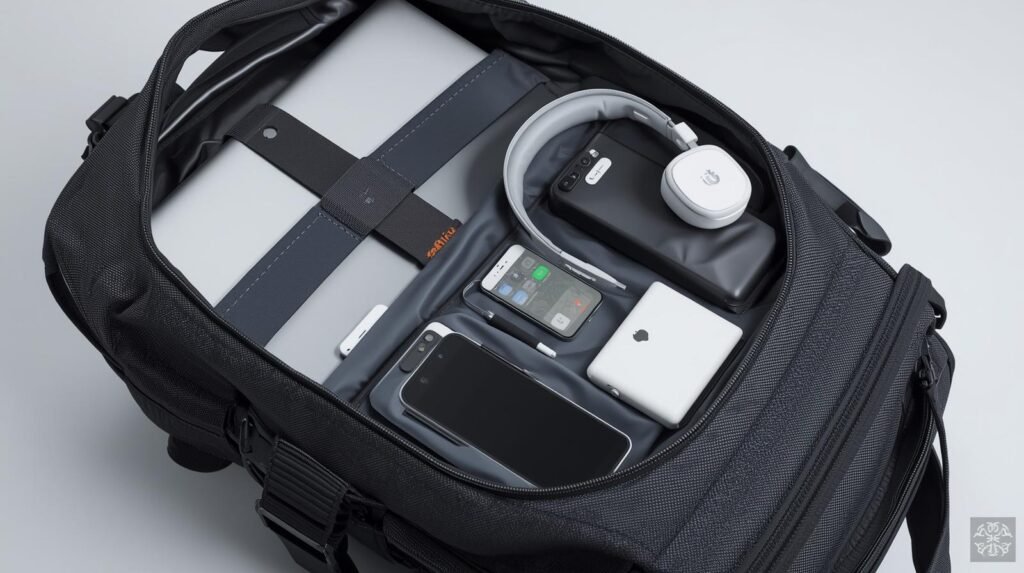
3. Safe Packing Techniques: The Tech Pouch Mastery
Organization is the key to both speed and security. You don’t want to fumble for cables during airport security checks.
Technique Spotlight: The “Tech Pouch” System
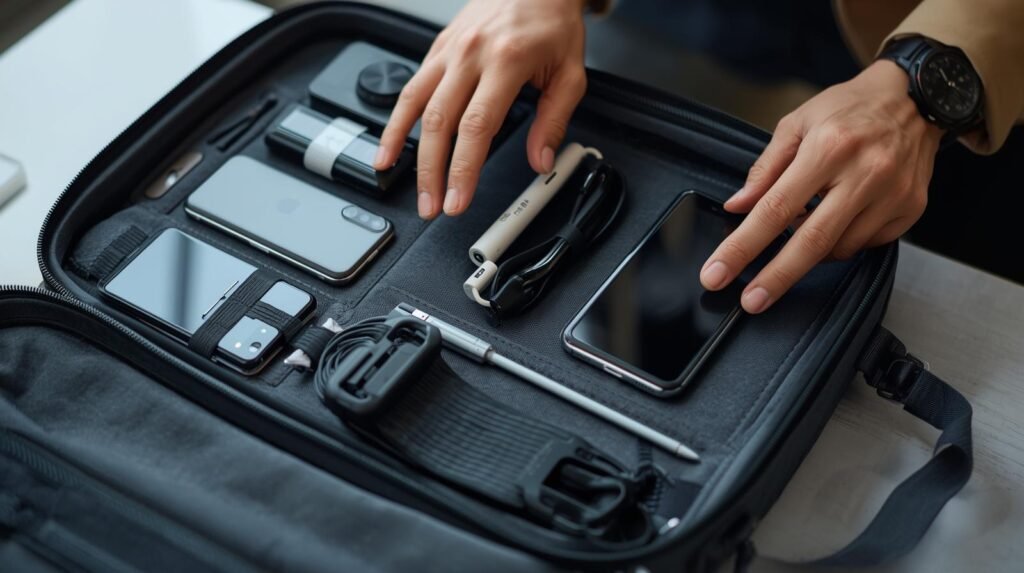
- What it is: Dedicating a single, purpose-built pouch or small organiser bag to all your cables, chargers, memory cards, and small adaptors.
- The Benefit:
- Security Speed: When going through X-ray, you can quickly pull out one item (the pouch) instead of digging through your whole bag.
- Safety: Cables are often fragile. Keeping them tightly and neatly wrapped in a dedicated, often padded, pouch prevents bending, crimping, and fraying, which are major causes of cable failure.
- Recommended for: Everyone! This technique drastically reduces stress and ensures you know where every tiny item is located.
Technique Spotlight: The “Pillow Method” for Fragiles
- What it is: Placing smaller, high-value, and delicate items (like external hard drives or camera lenses) in a protective cocoon of soft clothing (like socks, scarves, or rolled-up sweaters).
- The Benefit: Provides natural, shock-absorbing padding better than many store-bought foam inserts.
- Recommended for: Photographers and anyone carrying external storage or precision instruments.
4. Security and Digital Safety
The ultimate gadget you pack is the ability to protect your data.
- Digital Backups: Before you leave, backup everything to the cloud (Google Drive, Dropbox) and an encrypted external hard drive. This is your insurance policy against theft or damage.
- Anti-Theft Bag: Invest in a backpack with hidden zippers, lockable compartments, or slash-proof material. Peace of mind is priceless!
- VPN (Virtual Private Network): Crucial for connecting to public Wi-Fi networks in airports, hotels, and cafes. A VPN encrypts your data, protecting your passwords and financial information from opportunistic hackers.
Pack smart, travel safe, and let your technology enhance, rather than complicate, your extraordinary adventures!
Don’t forget to include the link if you share this post!